
How Modern Laptop Batteries Really Work?
Lithium-ion Basics: Stress from Extremes
Modern laptops primarily use lithium-ion batteries, which provide high energy density and a relatively long lifespan. However, these batteries are sensitive to temperature extremes and prolonged full-charge states, which can accelerate wear. While occasional full charges or full discharges are normal, continuous exposure to heat or high voltage stress can degrade capacity faster. Many users overestimate the dangers, thinking that keeping a battery at 100% constantly will ruin it immediately, which is rarely the case. Understanding these basics allows users to balance convenience with battery preservation effectively.
The Role of Smart Battery Management Systems
Manufacturers increasingly integrate smart battery management systems to prevent overcharging and excessive stress. These systems monitor voltage, temperature, and charging cycles to optimize battery health. For instance, laptops may temporarily stop charging when they reach full capacity or adjust charging speed to reduce heat buildup. Even small features, like delayed charging overnight, can make a noticeable difference over time. These technologies ensure that modern laptops can remain plugged in safely for extended periods. By trusting these built-in safeguards, users can focus more on productivity and less on battery anxiety.
Potential Risks of Constant Charging
Long-Term Heat Buildup and Battery Stress
One of the few genuine concerns with constant charging is the heat generated during prolonged use. High temperatures, especially if the laptop runs demanding applications while plugged in, can stress the battery. Users who routinely place their device on soft surfaces or under blankets may inadvertently block ventilation, increasing heat exposure. Even with heat-resistant batteries, cumulative stress over months or years can reduce overall capacity. Paying attention to ventilation and minimizing heat buildup helps mitigate long-term damage.
The “Memory Effect” Myth vs. Modern Reality
Many people still worry about the so-called “memory effect,” a phenomenon common in older nickel-based batteries where partial discharges reduce effective capacity. Lithium-ion batteries, used in modern laptops, do not suffer from this problem. Partial charging cycles, common in daily use, have minimal negative impact and can even help extend overall lifespan when combined with smart charging management. Misunderstanding this often leads users to over-discharge or stress the battery unnecessarily. Accepting modern reality helps users adopt habits that truly benefit battery longevity.
Built-In Protections That Help
How “Battery Health Management” Software Works
Many laptops include built-in battery health management features that regulate charge levels based on usage patterns. These systems may limit maximum charge to below 100% or dynamically adjust charging speed to reduce heat and stress. For example, overnight charging routines often cap battery percentage temporarily, resuming full charge closer to wake-up time. Even if you keep your laptop plugged in, these measures significantly reduce wear and tear. Such software ensures that daily habits don’t automatically shorten battery life.
The Difference Between 100% and “Fully Charged.”
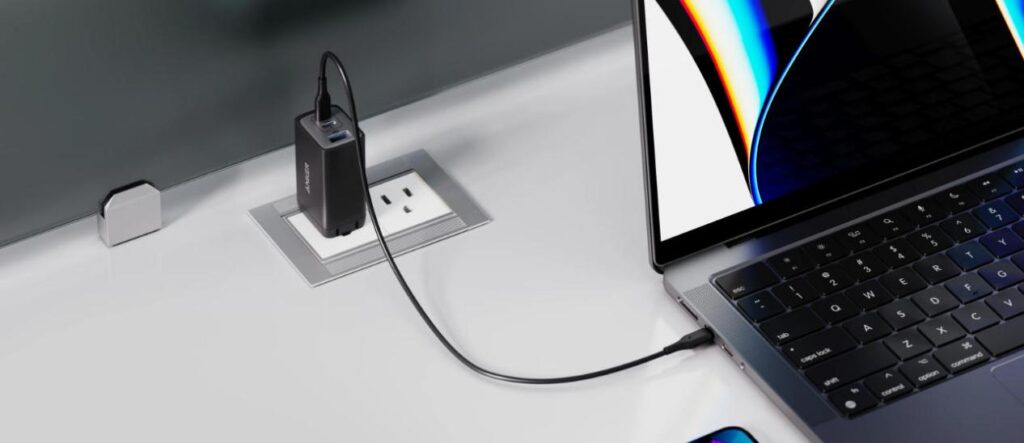
Understanding the difference between a displayed “100%” charge and the battery’s actual full capacity helps clarify why keeping a laptop plugged in is not inherently harmful. Modern devices are designed with intelligent power management that stops charging or switches to trickle power once a buffer below maximum capacity is reached. This prevents the battery from remaining at peak voltage, reducing long-term wear. In daily use, pairing your laptop with a reliable, well-designed charger—such as a type c laptop charger from trusted brands like Anker—can further support safe and stable power delivery. This combination of built-in battery protection and quality accessories allows users to confidently leave their devices connected to power whenever needed, without undue concern for battery health.
Best Practices for Different Usage Scenarios
Recommendations for Desktop Replacement Users
For users who primarily keep their laptop on a desk as a desktop replacement, it’s generally safe to remain plugged in for long periods. Enabling battery health management and ensuring proper ventilation minimizes stress and heat buildup. Occasionally, letting the battery discharge partially before recharging can help maintain accurate battery readings. Keeping the system updated also ensures all manufacturer safeguards are active. These steps balance convenience with battery longevity for stationary usage.
Tips for Mobile Users Who Frequently Unplug
Mobile users who regularly unplug and travel benefit from adopting a few simple charging habits. Avoid letting the battery drop to very low levels regularly, and try to charge during breaks rather than waiting for complete depletion. Adjust power settings to reduce background drain when away from a charger. Carrying a high-quality portable charger ensures reliable power on the go without risking battery damage. By combining careful charging habits with modern management features, mobile users can preserve battery lifespan without sacrificing convenience.
Conclusion
Keeping your laptop plugged in isn’t inherently harmful, thanks to modern battery chemistry and protective management systems. Paying attention to heat, usage patterns, and built-in safeguards ensures the battery remains healthy for years. Using quality accessories, such as an Anker Type-C laptop charger, enhances safety and provides reliable power delivery. Understanding both risks and protections allows users to develop balanced charging habits. By combining practical awareness with technology features, laptops can remain functional and convenient without compromising battery longevity.